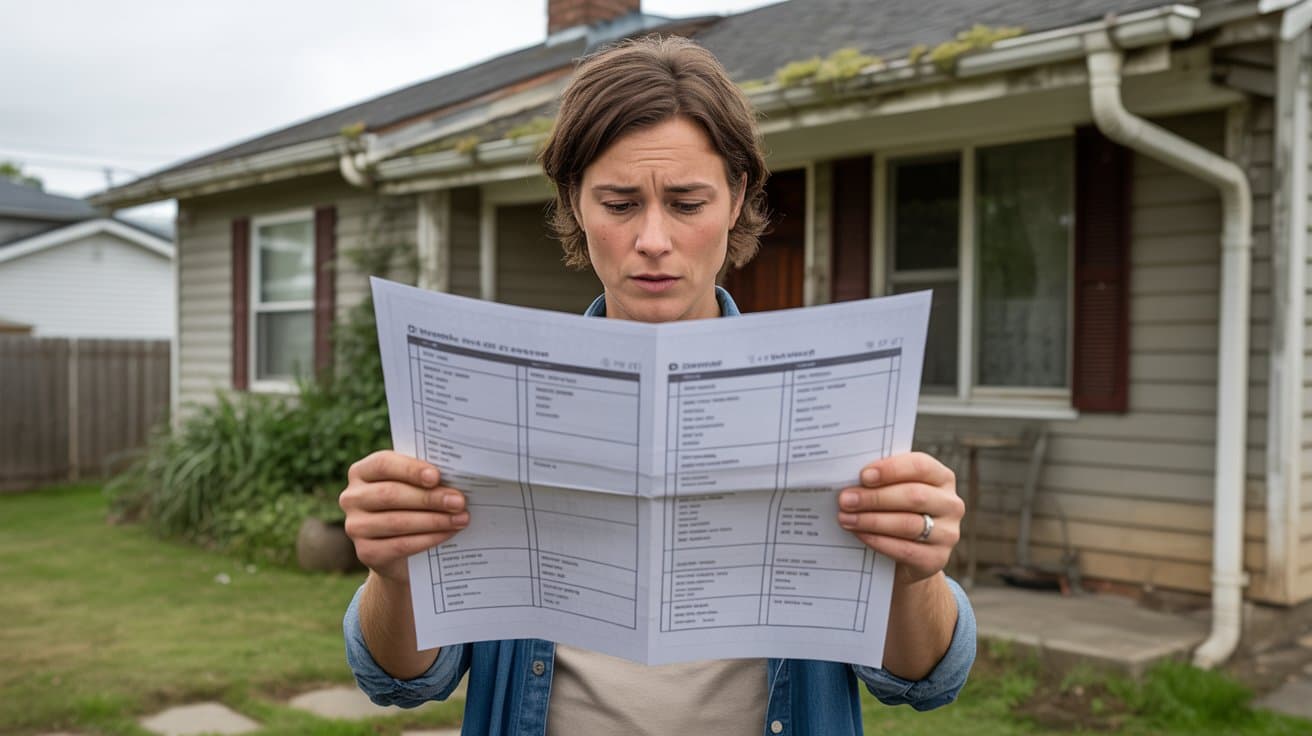
How to Read Your Home Inspection Report: A Complete Guide
A summary at a glance
As soon as it opens: the property photo, the inspection details and an overview of the findings, sorted by severity according to your inspector’s criteria.

Your inspection report
A clear web report you can read on your phone or computer without creating an account, and the same report as a PDF.
Here is what it contains, how to open it and how to use it after the inspection.
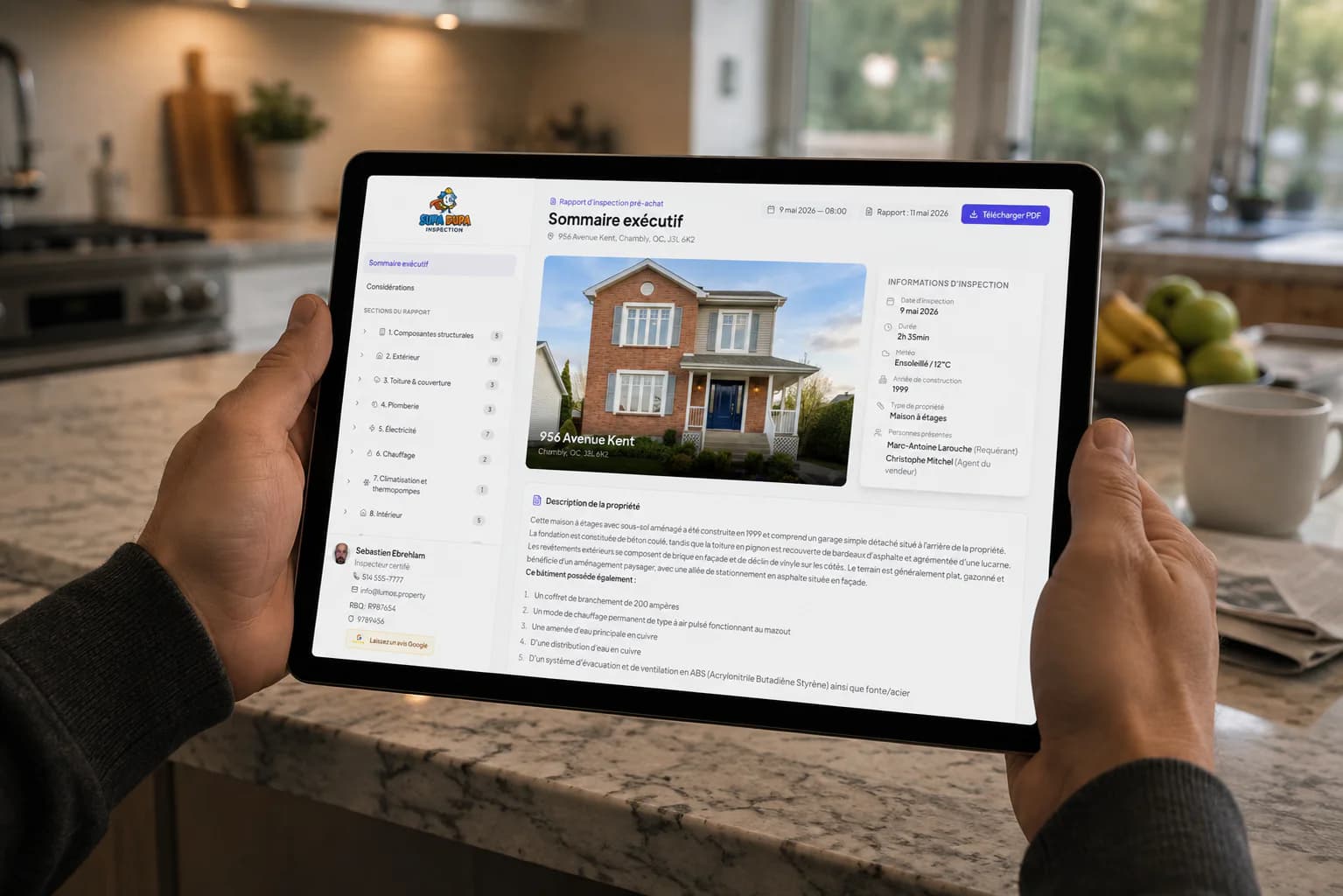
The report is designed to be read by you, not only by specialists.
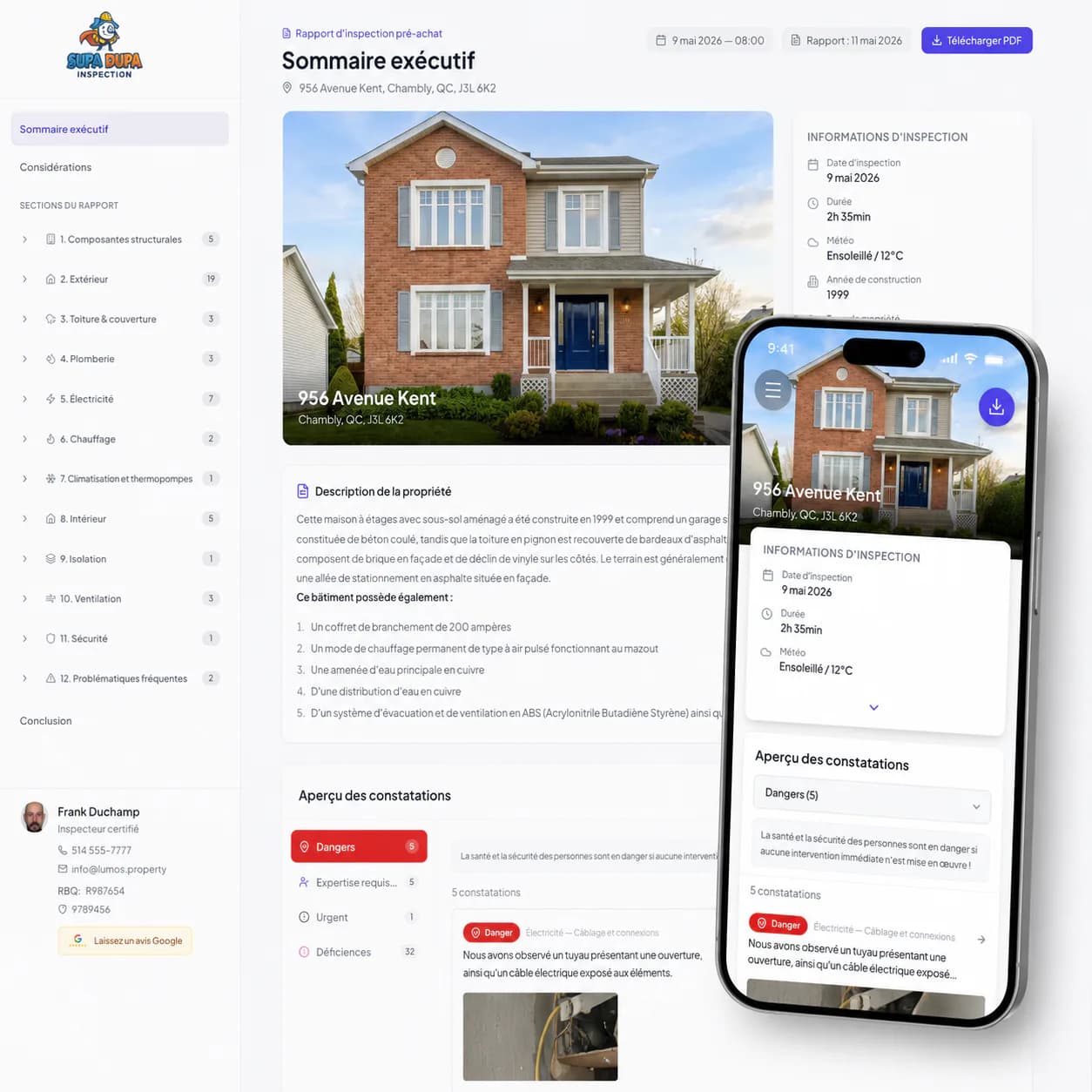
As soon as it opens: the property photo, the inspection details and an overview of the findings, sorted by severity according to your inspector’s criteria.
What your inspector observed and, where relevant, what the component does, what can happen if nothing is done and what they recommend.
The photos of each finding, annotated by your inspector, which you can enlarge to see exactly what is involved.
The same report as a PDF, to download whenever you like, for your records or to pass along.
Their contact details and liability insurance number are in the report.
The report opens in your browser. No account to create, no app to download.
BNQ 3009-500 is Quebec’s standard of practice for residential building inspections. It sets out what the inspector examines and what the report must contain. The Régie du bâtiment’s regulation (REIBH) makes it mandatory for certified inspectors.
Lumos templates follow its structure: sections, findings, required statements. Compliance, however, belongs to the report signed by your inspector, not to the software.
Our guides for buyers, worth reading before you make a decision.
Your inspector sends you an email in their name with a link and an access code. Open the link, enter the code and the report appears. No account to create, no app to install.
Ask your inspector: they manage the delivery of your report and can send you the link and code again.
The link and code stay valid. If your inspector sends you new ones, the old ones stop working: use the most recent. Also download the PDF for your records.
Yes. Pass the PDF, or the link with the code, to the people helping you with your purchase: contractor, broker, lawyer.
If your inspector corrects something, the correction appears in the same report, under the same link. Any PDF downloaded afterwards contains the updated version.
Your inspector is its author and signatory. They may use a writing assistant to prepare a first draft, but they review and approve every line before it is sent.
No. Lumos is software, not a certification body. In Quebec, the Régie du bâtiment (RBQ) issues the building inspector certificate; it becomes mandatory on October 1, 2027.
How your personal information is protected (Law 25)
Are you a building inspector? Discover Lumos